DotCIO's IT Services and Support Center (ITSSC) provides a centralized location for self-serve help through the use of an active knowledge base, featuring commonly requested content and documentation of known issues, as well as an online ticketing system to submit a request for IT assistance.
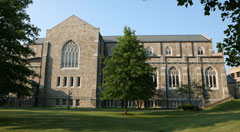
In addition, the Help Desk team is available during help desk posted hours for phone and in-person support. The Help Desk is located on the main floor of the Voorhees Computing Center.
Search
Help Desk